
Show every watch at its real size on the customer's wrist.
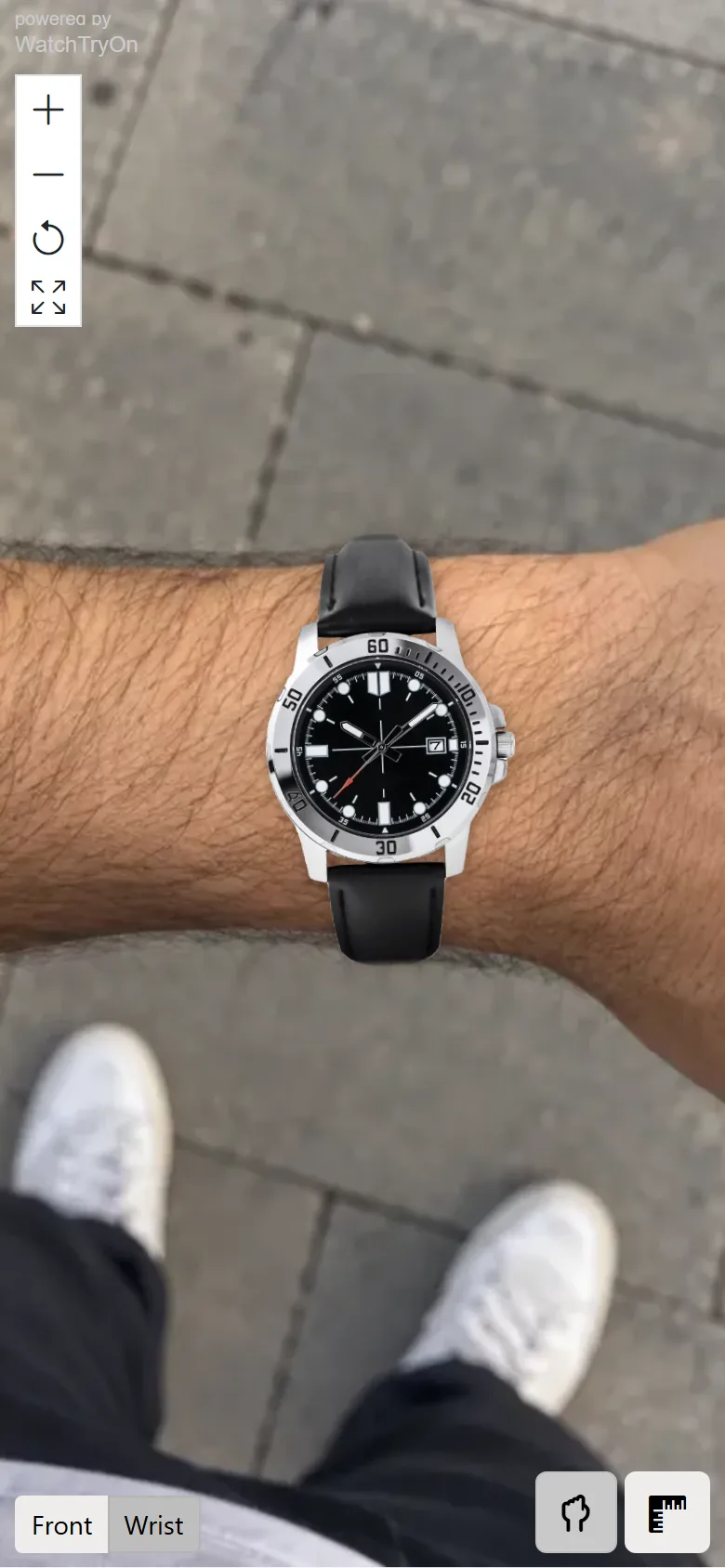
The shopper photographs their wrist; the watch appears on it at its real size, from the dimensions in your product data.
Live on watch and strap shops in Europe, the Middle East and Asia




The watch on their wrist, at its true size.
One photo, true to scale
The shopper photographs their wrist and picks their wrist size. The widget finds the wrist in the photo and renders the watch from its real dimensions. Zoom, pan and reset. Works on any device, desktop or mobile, inside the product page.
One wrist photo for the whole shop
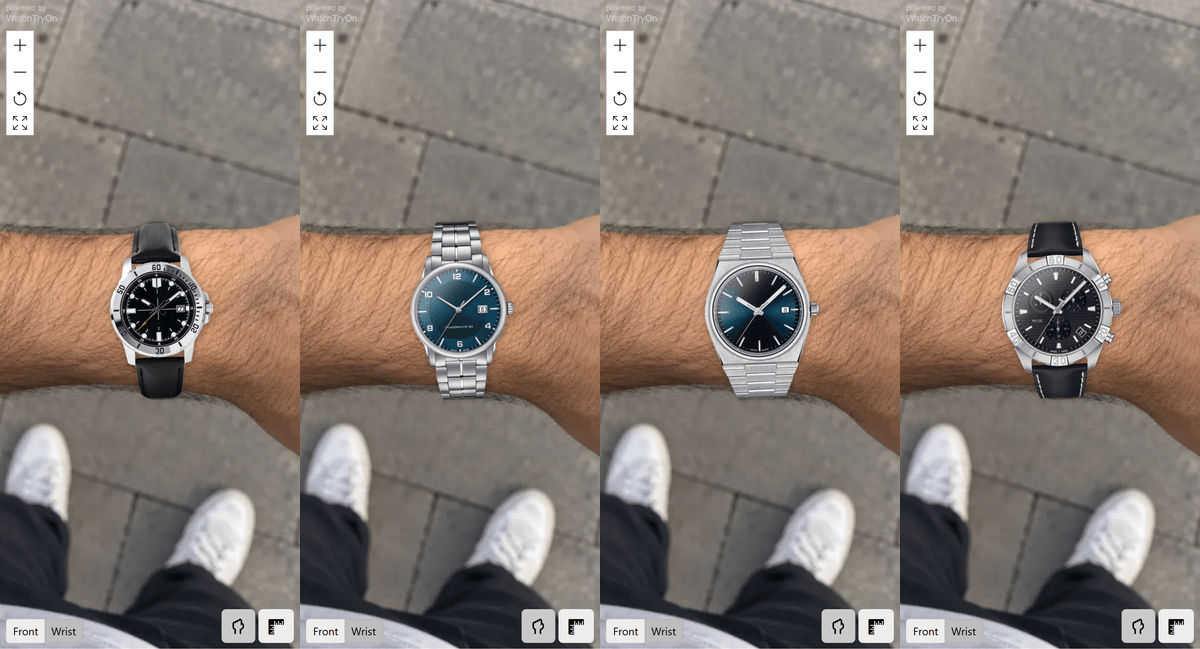
The wrist photo is remembered. When the shopper opens another watch in your shop and taps Try on, it appears on the same wrist right away, with no new photo. A 38 mm and a 42 mm can be judged on the same wrist, one product page after the other.
Watches with matching straps
If you sell straps too, the shopper can pair any watch with any fitting strap from your catalog, on the wrist or in the frontal view.
More about strap try-on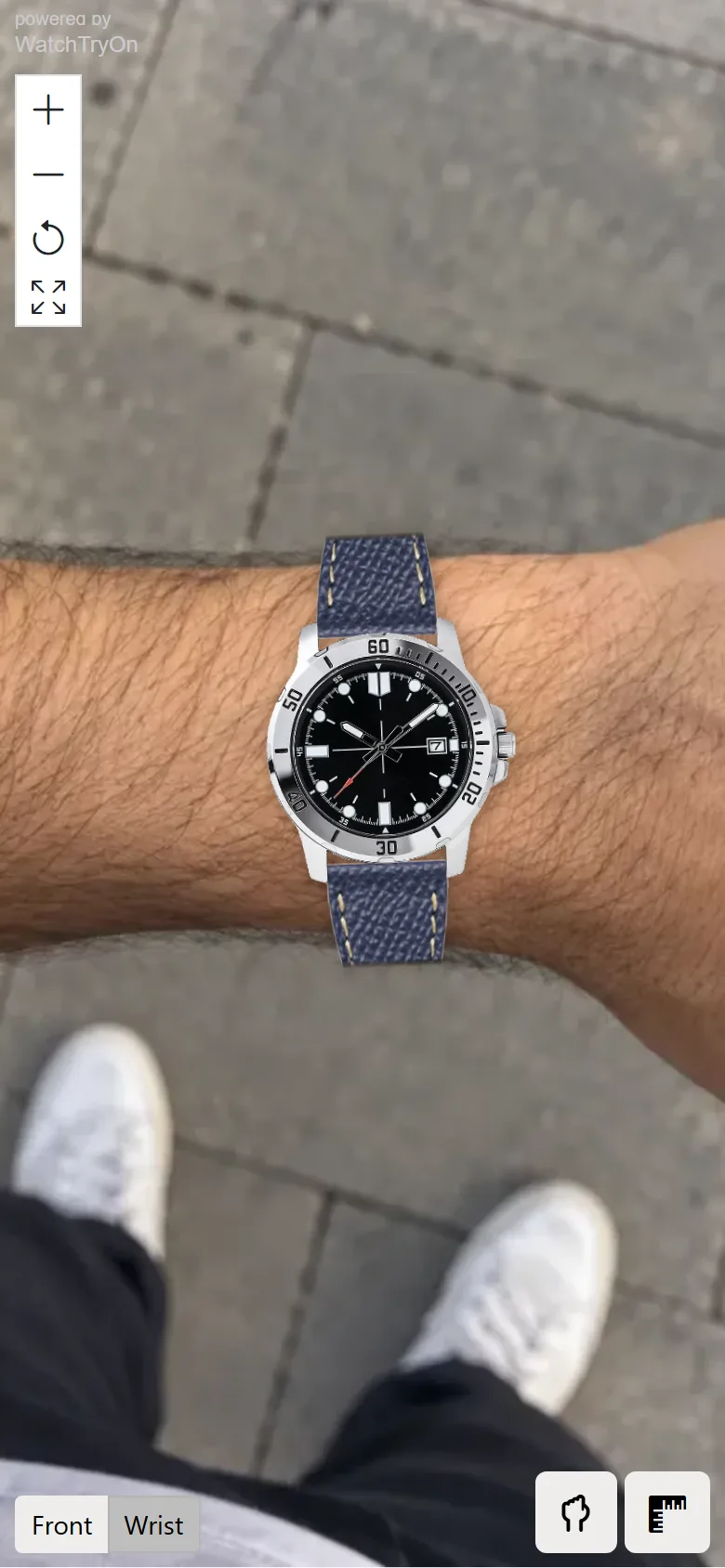
Any web shop.
Any web shop. Shopify, WooCommerce, Magento, PrestaShop, Shopware, BigCommerce, Wix and custom storefronts; we adapt to your platform. The button renders only for products that passed the quality check, so an unprepared product never shows a broken try-on.
Questions retailers ask
How does the widget know the size of the watch?
From the dimensions in your product data and the wrist size the shopper picks. Together they set the scale of the rendering.
Is this augmented reality?
No. It is photo-based. The shopper takes one photo of their wrist; the widget finds the wrist and places the watch at its real size from the watch dimensions and the wrist size. A still photo gives a precise scale, which is what a watch buyer needs.
What do we have to prepare?
Usually nothing. Your product data usually has everything already: a frontal photo and the watch dimensions. We read them from your shop or feed and map existing fields; nothing new to manage.
Does it slow down the product pages?
No. The page loads one small asynchronous script that shows the Try on button; the try-on itself loads only when a customer taps it.
Try it on your own shop, free
Free trial on your own shop: live within a few days, no payment details, no contract.